Heaven Must Have Needed Another Engineer

IMG_0549

I’ve been trying to write this post for several days now. I originally wanted the title to be something traditional like “Rest in Peace Cliff” or something similar but that just didn’t seem right for him.

Cliff’s passing has been a shock for myself and many at my church and community. I had the pleasure of calling Cliff not only a faithful member of our church but a friend as well. I’ve been to his house several times tinkering with his computers and had the pleasure of photographing he and his family in the current pictorial journal for the church (this photo was taken in fall of 2009).

Cliff’s wife Sharon has the challenge of continuing on with three young daughters.

In lieu of flowers, donations are being accepted for the Tanzler Children’s College Fund. Checks may be made payable to

“College Choice Advisor 529 Plans”
c/o Sean Stuczynski
A2 Wealth Management
843 N. State Road 135, Suite A
Greenwood, IN 46142

Motion Blur

I recently watched a Podcast on Photography and one of the items covered was how to blur the background on motion shots. It seemed relatively easy to do. Until you try and do it yourself!

These were all taken in NYC in Central Park near Columbus Circle on a recent trip.

The trick is to NOT have your camera in any type of automatic mode. Ideally you want to be able to set the speed (Tv) of you exposure. Different cameras have different ways of setting that. On Canon’s it’s Tv mode.

These shots were all set on 1/30 of a second. I would suggest experimenting with either 1/60 (but not higher) and possibly lower. Going lower will yield more blur but you have to track the subject precisely.

And the second part is tracking your subject. This goes against everything you learned so far in photography. You do NOT want to keep the camera still completely. Ideally you are tracking the subject as they approach. You also should try and take the photo when they are perpendicular to you as much as possible. It sounds easy but when your subject is moving, it goes by fast!

Lastly I would try and compose your subject so there is empty space in front of the direction your subject is traveling. I did *not* do this very well in the first and last photo. Got it a little in the middle. The empty space gives viewers eyes comfort in knowing the moving subject has someplace to go.

Lauren & Matt Pre-Wedding Photos

I had an opportunity to meet with Matt and Lauren this afternoon and take some pre-wedding photos. Their wedding is coming up in less than 2 months! I think you’ll agree with me they make an adorable couple Smile.

Clean And Ready For Service

WP_001276

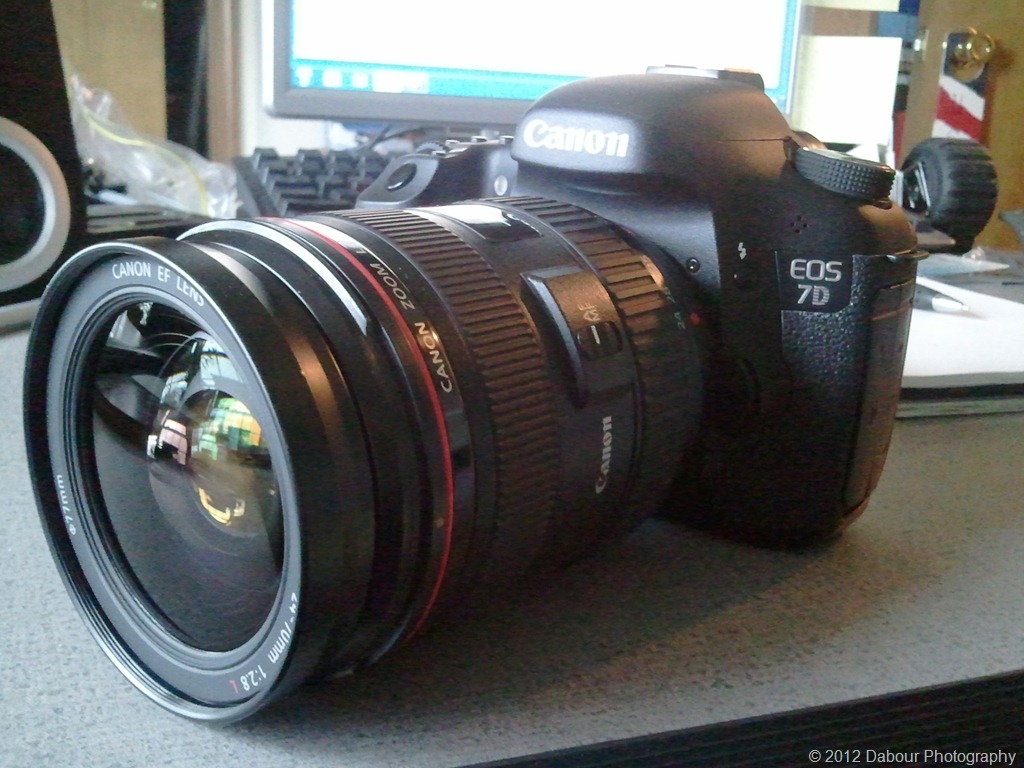
I just got back my main workhorse, my Canon 7D back from Canon Professional Services for a clean and check. I highly recommend any serious photographers join CPS or related manufacturer organization. The fee is minimal and provides at least 2 yearly cleanings complimentary. That was over a $200 savings so far! On top of that they replaced, for no charge, a focusing band on my 24-70 L lens that tightened up the zoon ring. I didn’t realize how worn it was until I received it back.

Plus as a CPS member I have access to priority repairs if I need them. I remember about three years ago I dropped my camera (40D at the time) on a cement floor during a family photo shoot. Luckily it was the last shoot of the day and weekend. To my amazement the camera continued to work but then stopped working the next day. Took the camera to CPS and they had it repaired for a minimal cost the next day. They replaced more parts than I expected. It was almost as if I got a whole new camera.

I’m now ready for a busy spring photography season: weddings, shows and portraits!

DD

SmugMug Smart galleries

Besides being a part time pro photographer, I’m also the fire photographer for my local fire department. I follow them around on many calls and take photos of them providing service to the community.

I thought it would be nice to bundle up the photos I’ve taken for them this past year and present it in a slide show. I started out doing this the old fashioned way and it turned into a big project. I then remember that SmugMug, the hosting provider I use for all my Pro Photography, has a feature called “Smart Galleries.” This allows you to create a gallery and have it contain photos from other existing galleries based on rules or conditions. This was exactly what I needed and turned out to be a great time saver.

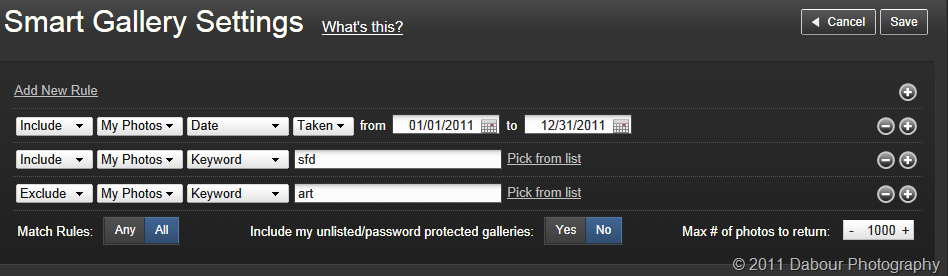
For my project I set the following rules:

image

Include My Photos from 1/1/11 to 12/31/11 AND include My Photos with keyword “sfd” AND Exclude Keyword “art”.

All of that might sound self explanatory except for the last part. When I first created the gallery some additional photo showed up. After one particular call during the year I continued on and took some landscape photos nearby. I forgot to go in and tag these as different. So all I had to do was go into keyword settings for multiple photos on SmugMug and add the word “art” (it could have been any keyword that I wanted to use) and exclude those photos by that keyword.

Obviously for this to work you have to apply keywords to your photos. Years ago I never bothered doing this but I started doing so a few years ago. Even though it adds a few steps to your photo processing workflow, it’s very much worth it. Not only to do what I did above, but also for Search Engine Optimization (SEO) also know as “Google Juice” so your website gets picked up by Google and other search engines faster.

In case you’re interested here’s the link to the gallery I created in slideshow format: http://www.dabourphotography.com/photos/swfpopup.mg?AlbumID=20825132&AlbumKey=4dFSgt

Would you like to give SmugMug a try and save $5 on a subscription? Simply enter my email address (dabour at att.net) or use coupon code 2mLQw7wT0DzPU in the Coupon field at the end of your trial. Or you can click on this link: signup.mg-Coupon=2mLQw7wT0DzPU

Thanks for reading!

Dave
Lightroom 3 Training by Matt Kloskowski

Dec1

I attended a Lightroom 3 training session today in Philly. It was presented by NAPP’s own Matt Kloskowski. I’ve enjoyed Matt’s online training session’s for years and enjoyed seeing him teach and present in person.

337/365

Senior Posing

WP_001006

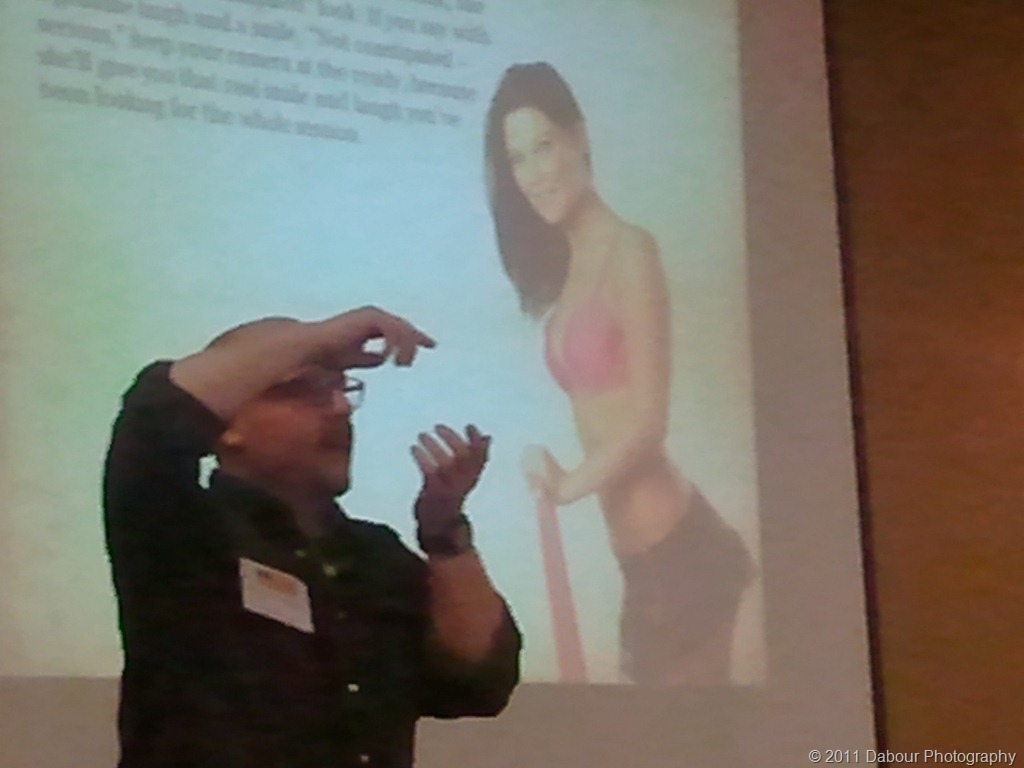
As frequent blog readers know I strongly believe in staying up to date and training yourself. I recently attended a photo workshop and one of the presentations was on posing seniors. It was from Andy Armstrong who was a great presenter.

Get In Motion

WP_000897

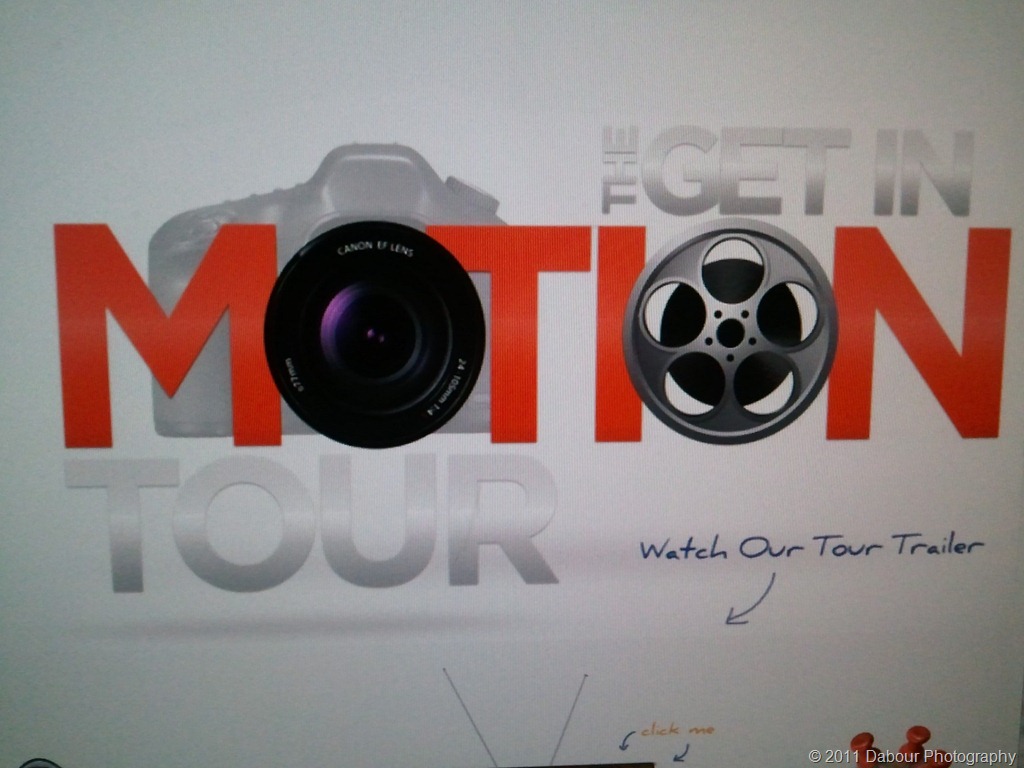
In continuing my theme of continuing education (sorry about the pun) I attended the “get in motion tour” in NYC last evening. It was 4 1/2 hours of training for photographers who want to take a step into filmmaking/video. It was very interesting and I recommend it.

They will be having other sessions in the NJ/PA area before end of the year. See website above for more information.

303/365

WPPI 2011 NYC

WP_000889

Frequent blog readers to this site know that I believe in keeping your skills up to date and periodic training.

I had the opportunity to attend Wedding and Portrait Photographers International (WPPI) East trade show and conference. It was a day filled with lectures and seeing and hearing what’s new in the industry.

302/365

Amanda & John

Amanda & John pose for some pre-wedding photos. They both will be tying the knot in less than one month.

If at all possible I like to meet with the bride and groom 1-3 months before their wedding day to not only get to know them a little better, but to also get one great couple shot I can put on a business card that also acts as a keepsake at the wedding.

Additional photos can be found here.

283/365